
The cover photo was created by WordPress AI
Effective Crochet Management: My Journey
I’m usually not a very organized person – sigh. And since I always need some variety, this definitely shows in my crochet projects. I often have several projects going at the same time.
Are you the same?
And do you always remember which hook or needle size you used for a special project, or which row or round you’re on? Well, I usually didn’t. When I came back to crochet I pretty quickly realized how important it is to keep track of my projects.
But it took some time until I discovered that a crochet journal (or crochet project tracker) can make all the difference.
Getting Started: My First Attempts to Organize Crochet Projects
At first – over 10 years ago – I simply noted the hook or needle size and the yarn used on my Ravelry project page. At this time I also used a printed copy of the pattern to make some notes. It worked quite well – for a while.
Over time, however, I printed fewer and fewer documents and switched more and more to my tablet. That’s when I started using a PDF reader – PDF Expert by Readdle. (I can definitely recommend it – in case you use Apple products)
From Ravelry to Digital Notes – My Early Crochet Tracking
My version of PDF Expert allows me to make marks and notes in a document. So, it was perfect to tick off the progress directly in a digital copy of the pattern. Or just make some short notes about the changes I made.
With PDF Expert, I also started to store all my purchased patterns in one place, in the cloud – including the ones from Ravelry. Believe me, it is much easier to find something when everything is together. My father always said that, and today I have to agree with him.
Why I Needed More Than Just Ravelry and a PDF App
When I started testing crochet patterns, however, that wasn’t enough anymore.
Testing isn’t just about recording your own progress. Sometimes you have to mark mistakes and note corrections. Besides it is helpful to keep track of details like yarn used, colours, or time spent. People love asking those things later when you show your finished work on social media!
For larger, more extensive projects, I also found it useful to record some basic information about the pattern. Such as assignment of colours, stitch counts, number of repeats or total yarn usage. Looking for that often meant scrolling back and forth or switching between documents. This was simply too time-consuming.
My Ravelry and my pdf app were no longer sufficient for this.
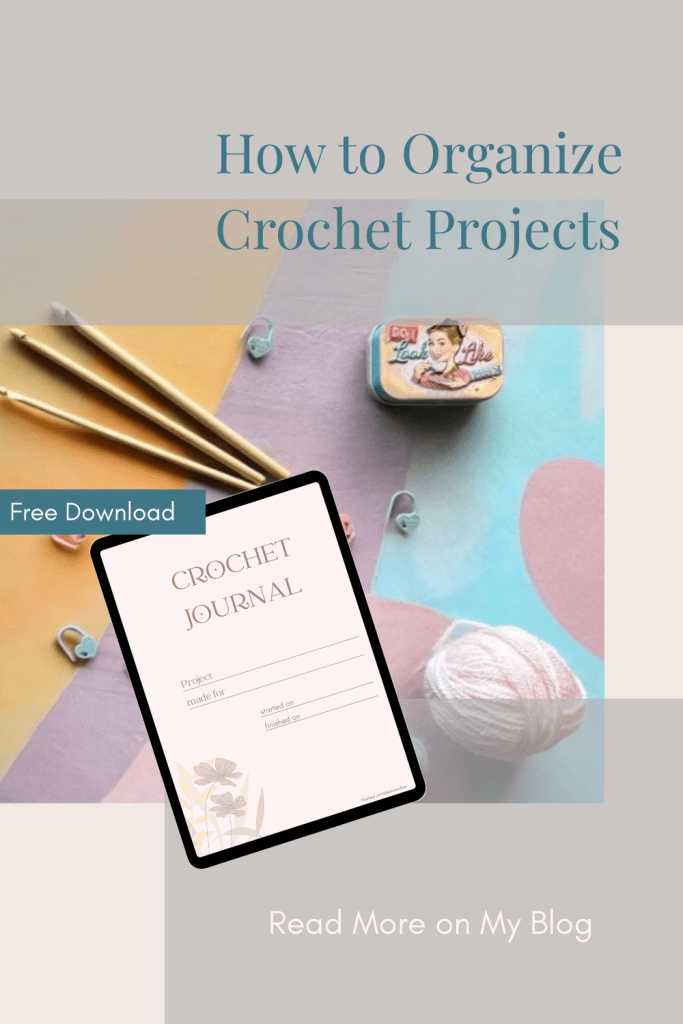
Pin it for later
The Start of My Own Crochet Journal
At first, I was looking for other apps that would allow me to record extensive notes on my projects. Unfortunately, none really met all my needs. The focus – at least at that time – was more on counting rows.
So I decided to create my own worksheet in Numbers (Excel or Google Sheets work just as well).
What to include in a crochet project tracker?
I took everything into account that was important to me:
- Basic pattern information about
- the designer and where I got the pattern
- Special techniques that are used (such as overlay or inset mosaic, Tapestry or Tunisian crochet)
- Wether the pattern is written in US or UK terms (very important)
- Original yarn and colours used, including yarn amounts, hook size and gauge
- Measurements like final size, stitch counts, number of repeats, rows or rounds in total
- Information about my own, personal, version
- Like, the yarn I used, including the hook size
- Details about my colours
- Finished meassurements
- Yarn consumption
- A sheet to take notes
- And a sheet to document the progress of the project

Perfect! – It worked fantastic!
The only thing that bothered me was the constant switching between pdf (pattern) and spreadsheet (notes) to make the necessary entries – using the keyboard.
Using a keyboard feels kind of strange when you are crocheting …
Designing My Crochet Journal in Canva
Finally this led me to design a crochet journal in Canva (another one of my favorite apps).
I based it on all the contents that were already included in my Numbers worksheet.
I have also added a sheet for photos. And created a way to quickly sketch something. This visualisation often helps me to understand the instructions better, especially with complicated patterns.
And this is the result:

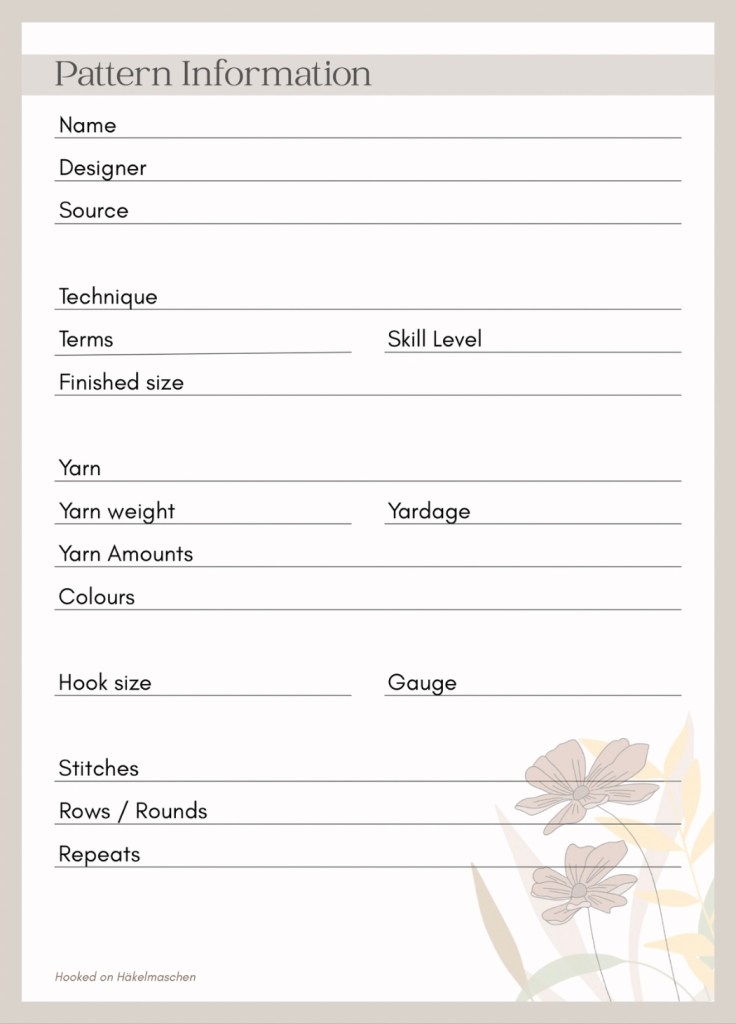

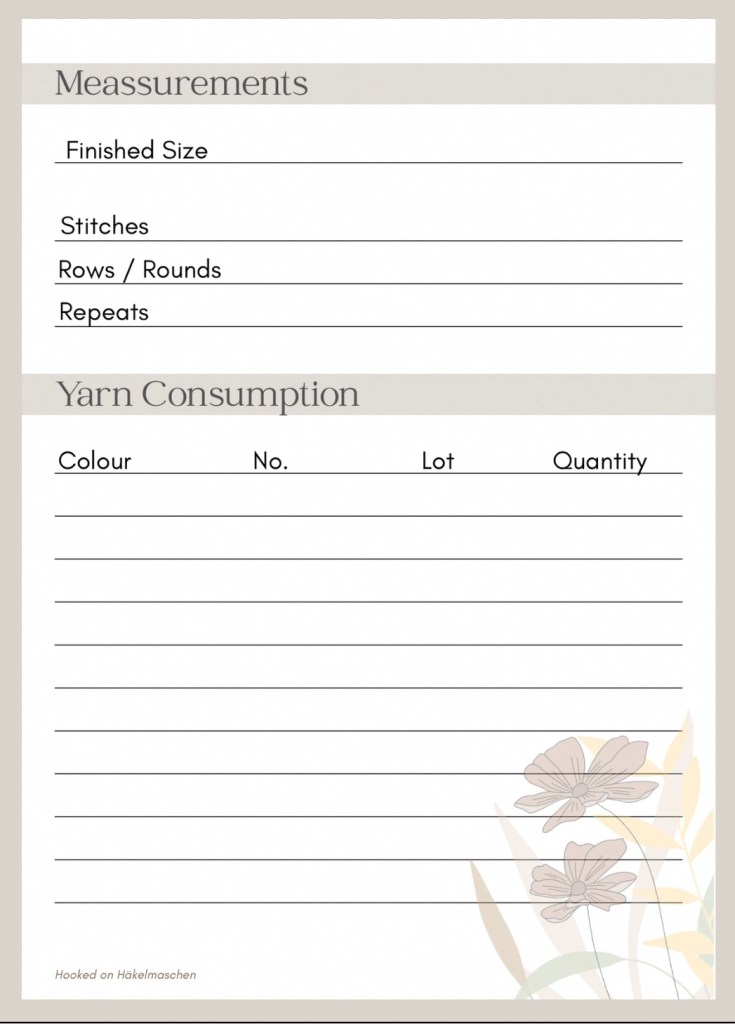
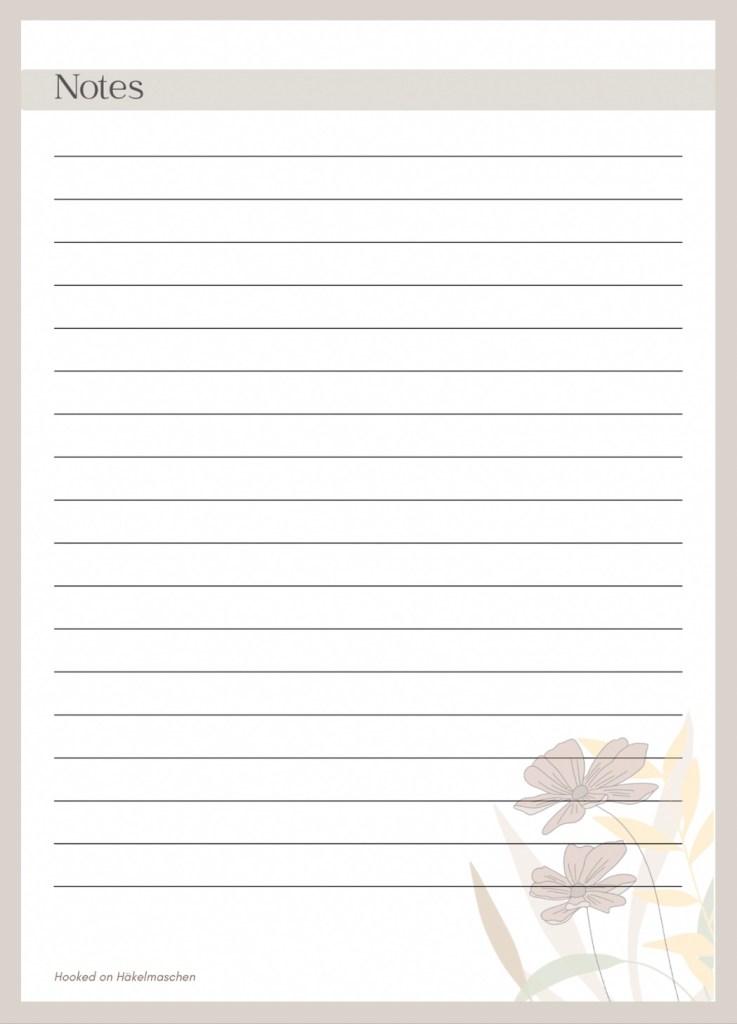
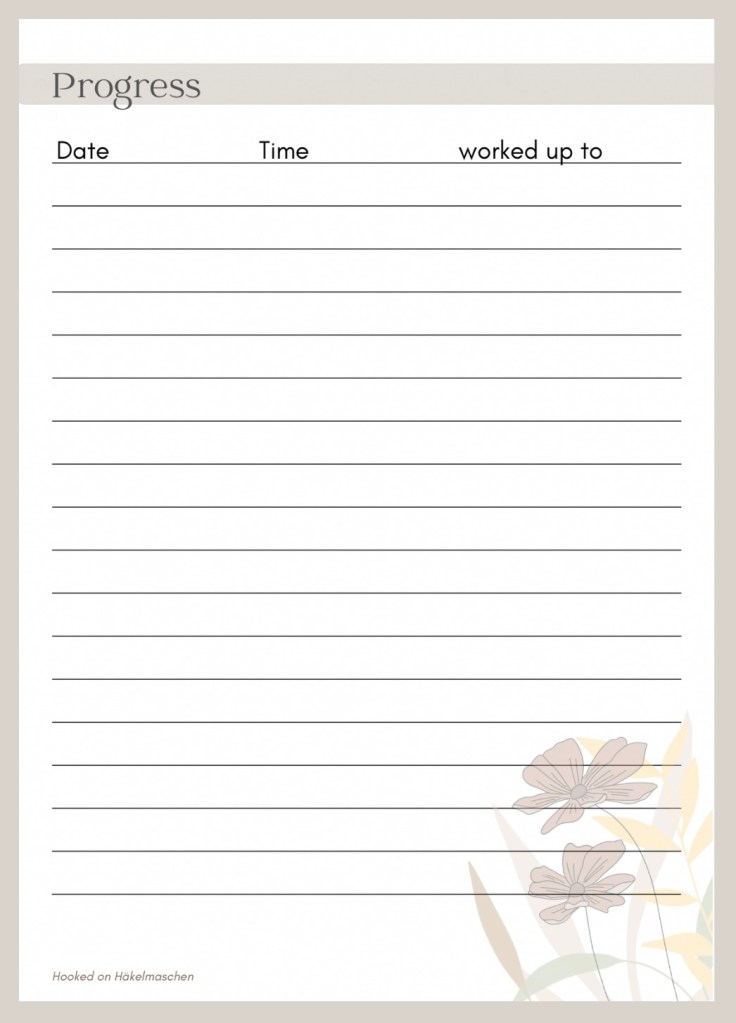
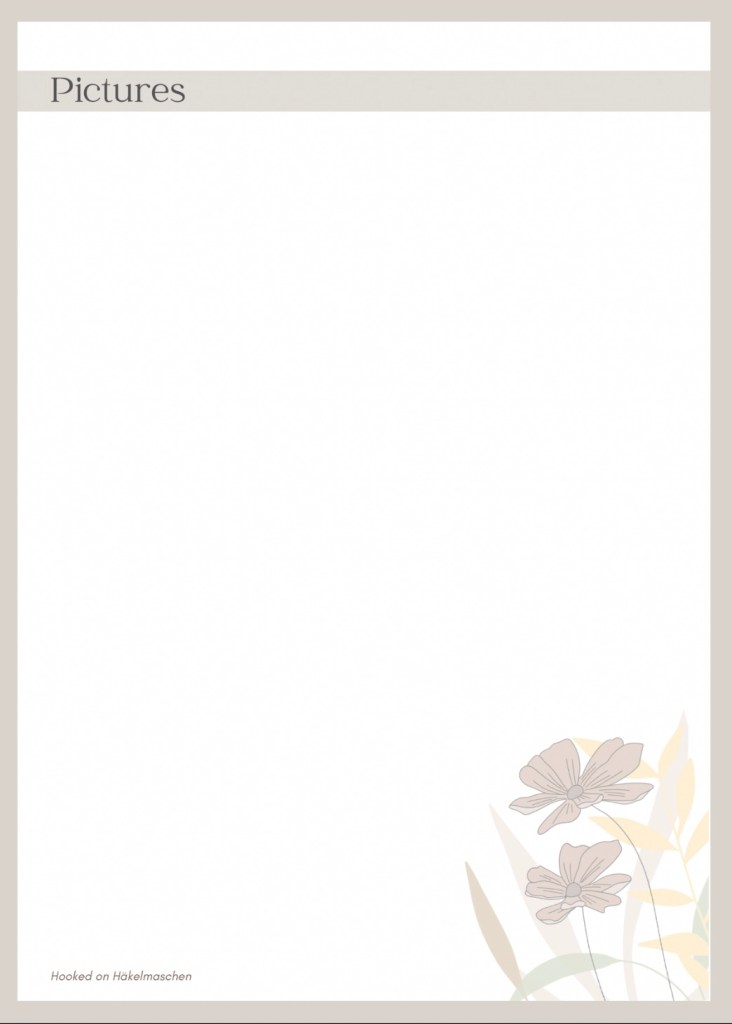
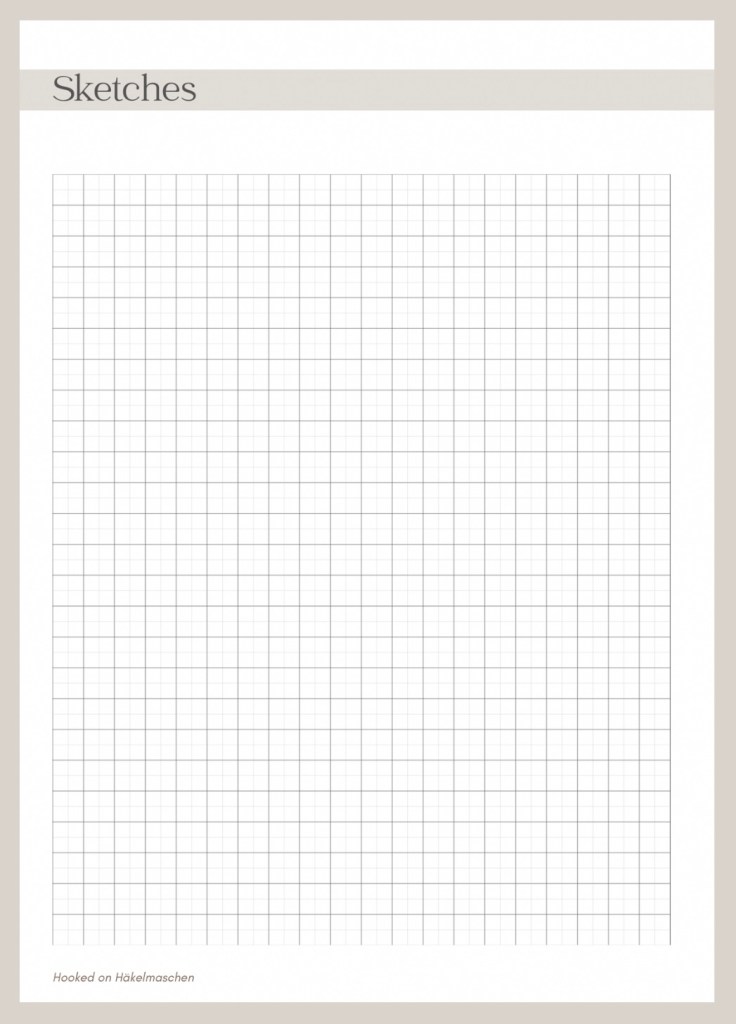
I exported the Canva file as pdf and saved it as a master. Now I just have to duplicate the file and rename it when I start a new project.
I love to scribble around in it with my pen and quickly jot something down. That feels much better than a keyboard- at least for me.
I use this journal whether I’m testing a pattern or just working on something for myself.
The file can, of course, also be printed out or imported into a notes app (if the app supports file imports).
Final Thoughts on Using a Crochet Journal
A crochet journal is the perfect way to organize crochet projects without feeling overwhelmed. I can note down the yarn, the hook size, my progress, and even add photos or sketches.
By consistently keeping notes, I can easily look things up later if a question comes up. I always know which yarn and colours I used and how much time I spent.
Tell me I’m not organized!
If you are interested in my journal you can download a copy here

So, that’s my way of keeping my crochet projects under control. How do you keep track of yours?

Share & Print:


 Hooked on Häkelmaschen
Thank you, Elena, for sharing your Crochet Journal! I will use it for my next project.
LikeLiked by 1 person
You are very welcome! Please let me know if you are missing any topics,
LikeLike